Access Your Office from Anywhere: Why Chrome Remote Desktop is the SMB Secret Weapon
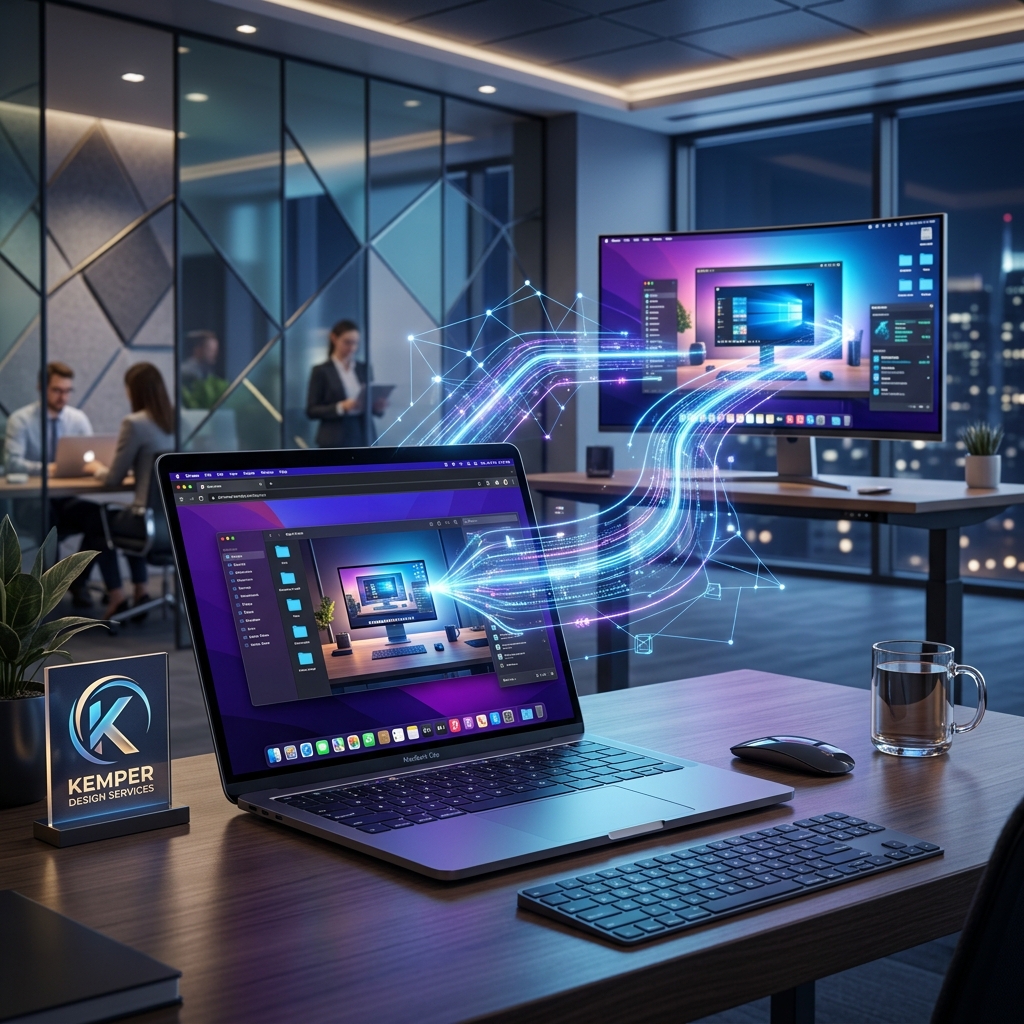
If you've ever been halfway to the airport and realized that one critical file is sitting on your office desktop, you know the panic. For most small business owners, the "fix" is usually an expensive VPN setup that requires an IT degree to manage, or a paid subscription to software like TeamViewer that eats into your monthly margins.
But here’s the drill: You’re probably already sitting on the best remote access tool in the world without even knowing it. It’s called Chrome Remote Desktop, and it’s a masterclass in how Google builds for efficiency.
What actually is it?
Chrome Remote Desktop is a secure, browser-based gateway that lets you control any computer you own from any other device—laptop, tablet, or phone. It’s built on Google’s secure infrastructure, which means you get enterprise-grade encryption without the enterprise-grade price tag (it's free).
Why this matters for your business
Most remote work tools are "assistance" tools. They help you share a screen or send a file. Chrome Remote Desktop is an automation foundation. It allows you to run your business from a $300 Chromebook while your $3,000 powerhouse workstation back at the office does the heavy lifting.
10 Trending Tasks you can do with it right now
- The 2 AM File Rescue: Grab any document from your office machine without leaving your bed.
- Remote Printing: Send a print job from your home laptop to your office printer so it's ready for your team when they arrive.
- Legacy App Access: Use that one piece of specialized accounting software that only lives on your office PC from your MacBook at the coffee shop.
- Instant IT Support: Log into an employee's machine (with permission) to help them fix a setting or troubleshoot a bug in seconds.
- Tablet Workstation: Turn your iPad into a full Windows or Mac workstation by remoting into your main office rig.
- Secure Data Management: Since you aren't "downloading" files to your home machine, but just "viewing" them at the office, your sensitive data stays where it belongs.
- Powerhouse Rendering: Run a complex video export or data scan on your office machine and just check the progress from your phone.
- Simplified Onboarding: Set up a workstation for a new remote hire without needing to ship them a complex VPN router.
- Always-On Availability: Access your machine even if it’s on a different network or behind a strict firewall.
- Multi-Monitor Support: Switch between your office monitors seamlessly from your remote device.
Integrations and Ecosystem
Because it lives in the Google ecosystem, it integrates perfectly with Google Workspace. It doesn't require a dedicated app (though one exists); it runs directly in your Chrome browser. This means zero software bloat and zero friction.
The ROI: Real Money Saved
Let's talk numbers. Professional remote access tools can cost anywhere from $20 to $50 per user, per month. If you have a team of five, that’s $3,000 a year just to see your own files. Chrome Remote Desktop costs $0. That’s $3,000 you can put back into your marketing or R&D.
Final Thought
Business automation isn't always about complex AI agents. Sometimes, it's about the simple, reliable bridges that let you work on your terms. Chrome Remote Desktop is that bridge.
Ready to get your business flowing?
We specialize in setting up these "foundational" automations so your team can work faster and leaner. If you're still tethered to your office desk, let's change that.
Check out our AI Readiness Assessment on the homepage, or just book a strategy session. Let’s automate the work that keeps you stuck.